Please begin by watching the following video tutorial.
Further down the page you will find a complete step-by-step breakdown of the tutorial.
Customize Location
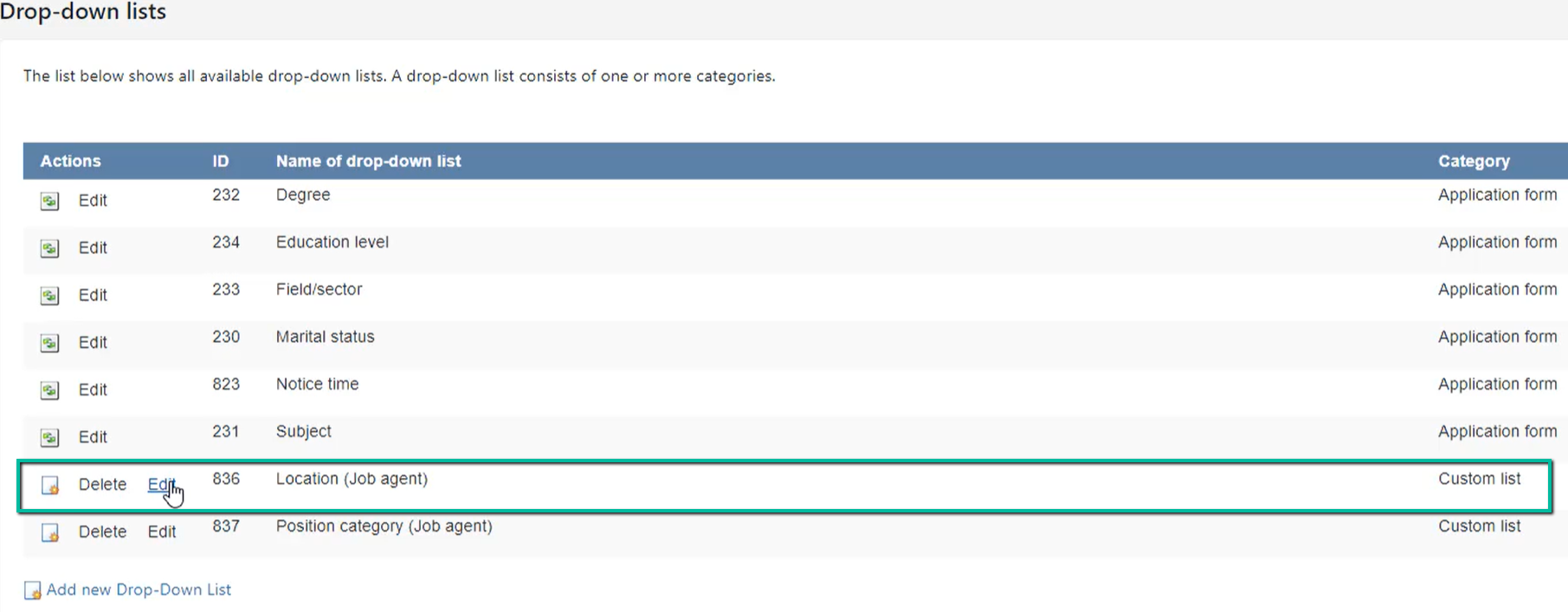
Click ’Edit’:
Enter the locations you wish to use and click ‘Add’. The locations will automatically be shown in alphabetical order. The added locations will be saved automatically: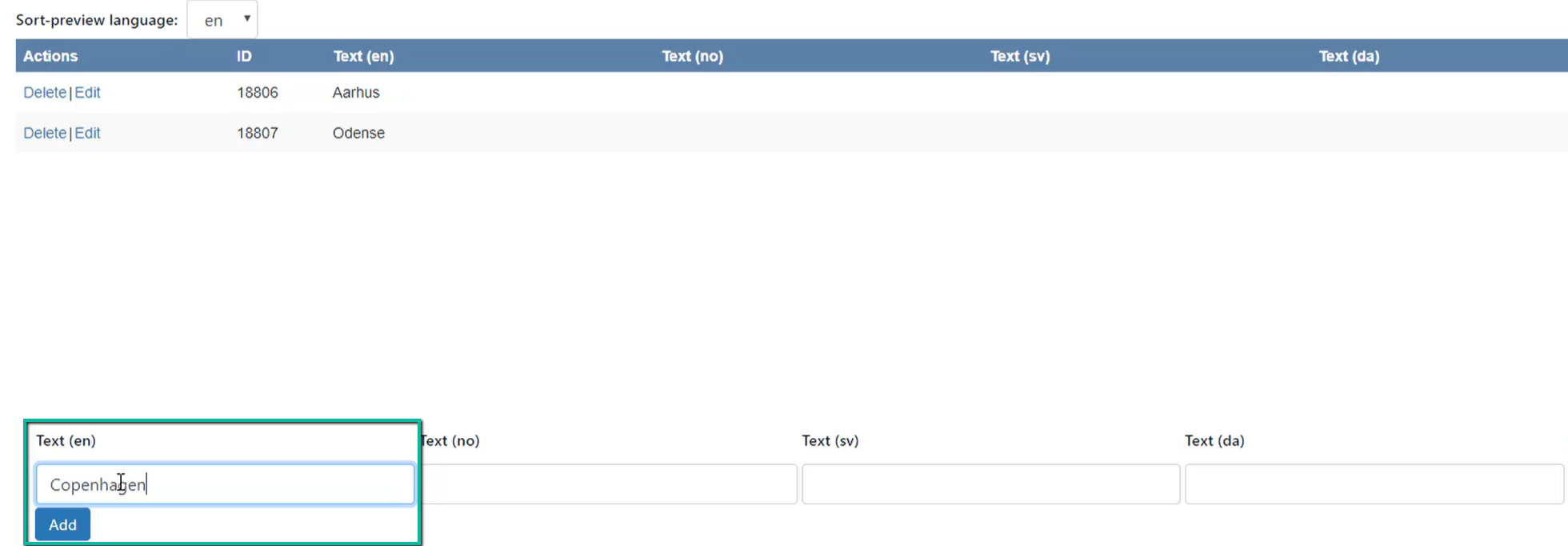
Customize position categories
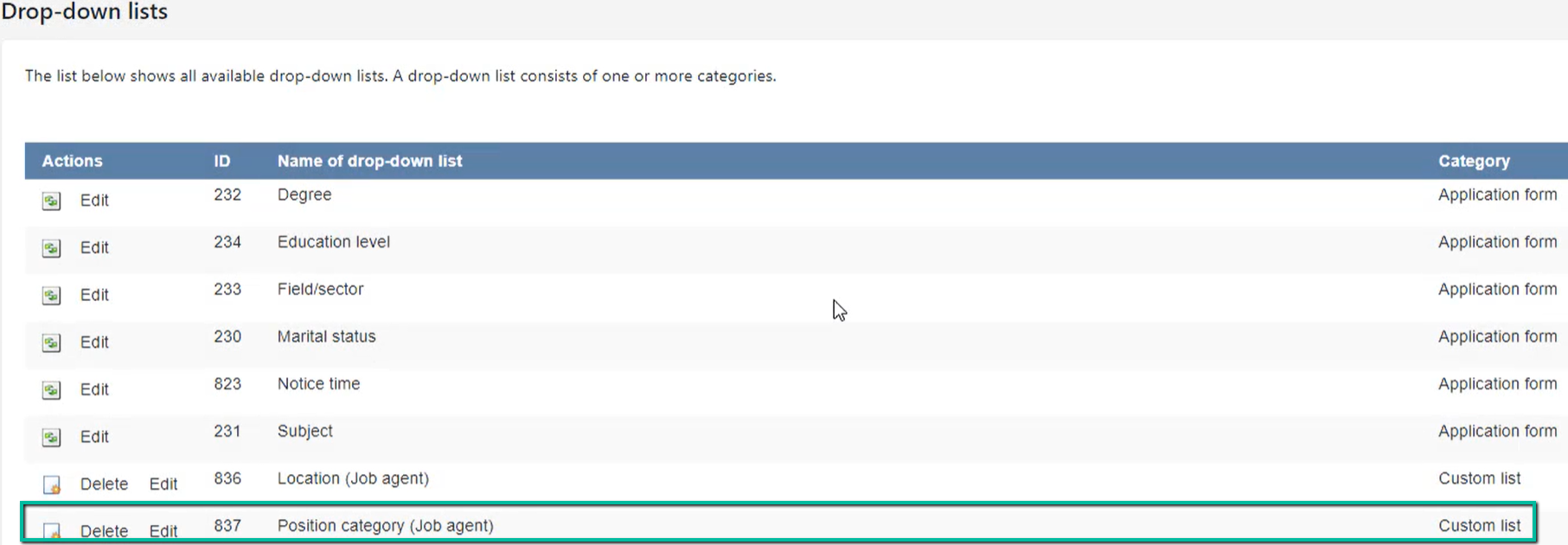
Click ‘Edit’:
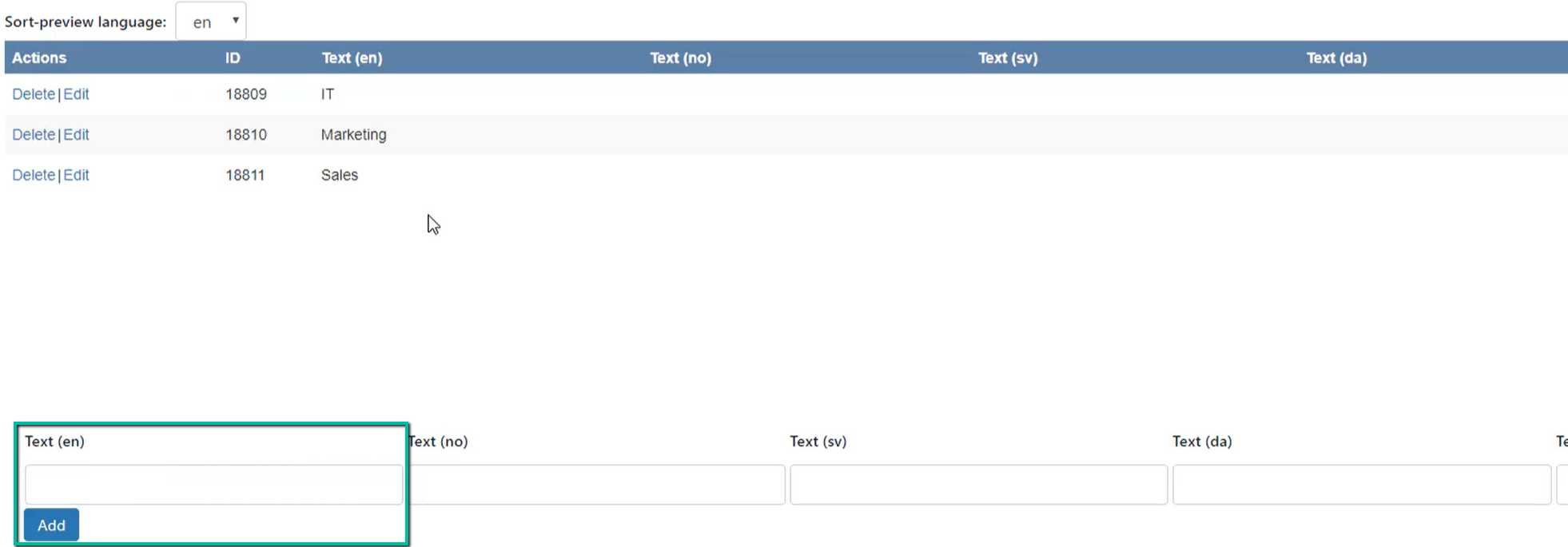
Enter the position categories you wish to use and click ‘Add’. The categories will automatically be shown in alphabetical order. The added position categories will be saved automatically: